

Linux Directory
A calm home for Linux identity and host policy — users, HBAC, sudo, SSO, and fleet care under one roof.
Linux Directory (LinDir) is a central identity and host-policy server for Linux fleets. It answers who may log into which machines, which sudo and SSH keys apply, how apps receive SSO, and how packages and energy policy move across Ubuntu, CachyOS, Debian, Fedora, and openSUSE.
SQL (PostgreSQL or MySQL/MariaDB) is the system of record. Agents on each host sync policy and apply fleet jobs — one shared memory instead of a constellation of snowflake machines.
What you get
One place to know who may sign in, what they may do, and how the fleet stays tended — with SQL as the shared memory of the system.
-
Identity & directory
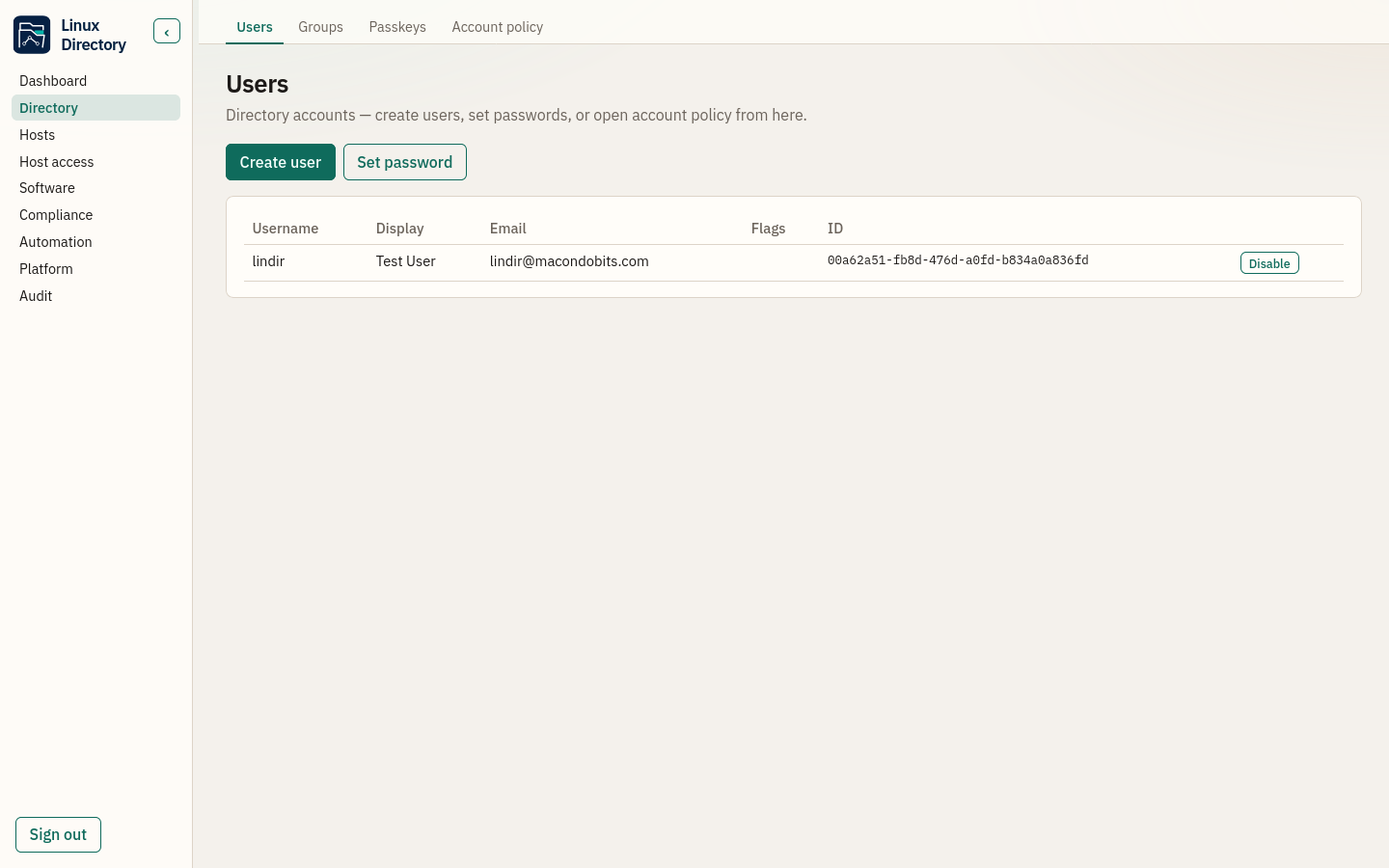
Users, groups, account policy, lockout, and must-change passwords. Passkeys / WebAuthn for sign-in that resists phishing.
-
Host-based access
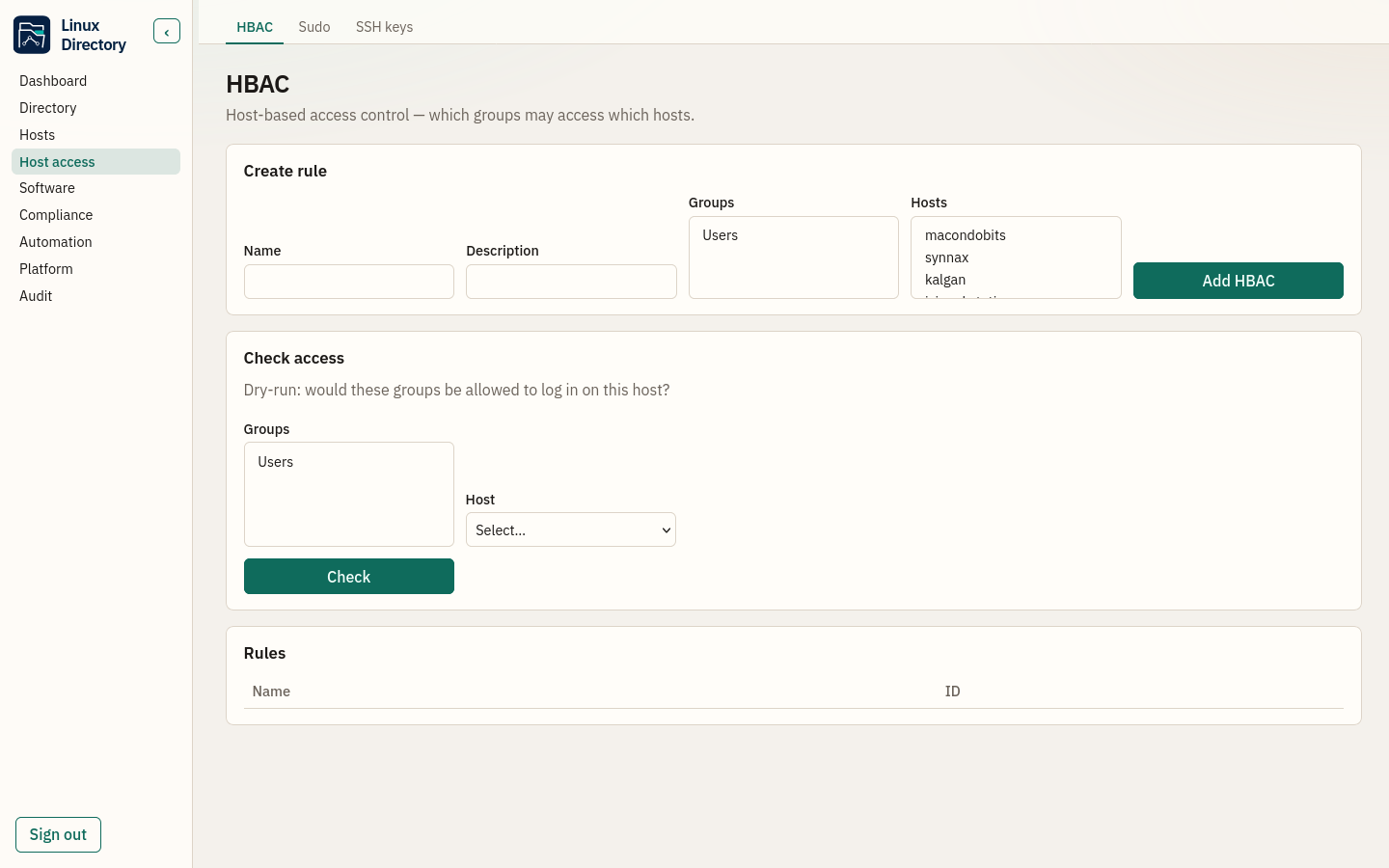
HBAC rules decide who may log into which machines. Central sudo and SSH public keys keep host access coherent across the fleet.
-
Enrollment & sync
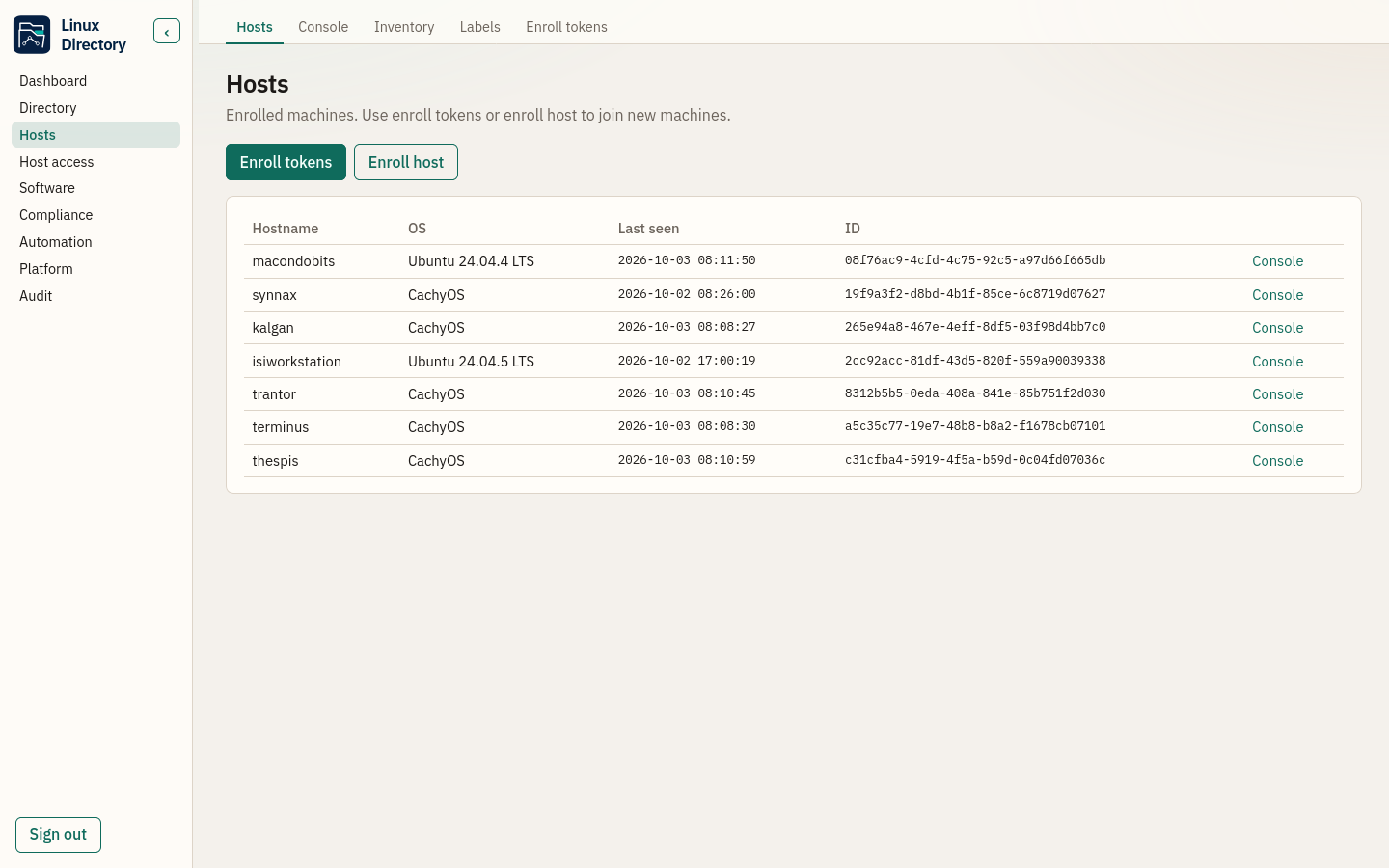
One-shot join tokens bring laptops and servers into the directory. The client wires NSS/PAM/SSH, syncs accounts and homes, and keeps a 72-hour offline login cache. Pacman hosts need AUR libnss-extrausers before enroll.
-
App SSO (OIDC)
Linux Directory is the OpenID Connect IdP for Grafana, Nextcloud, and internal apps — the same people, one password store.
-
Native fleet
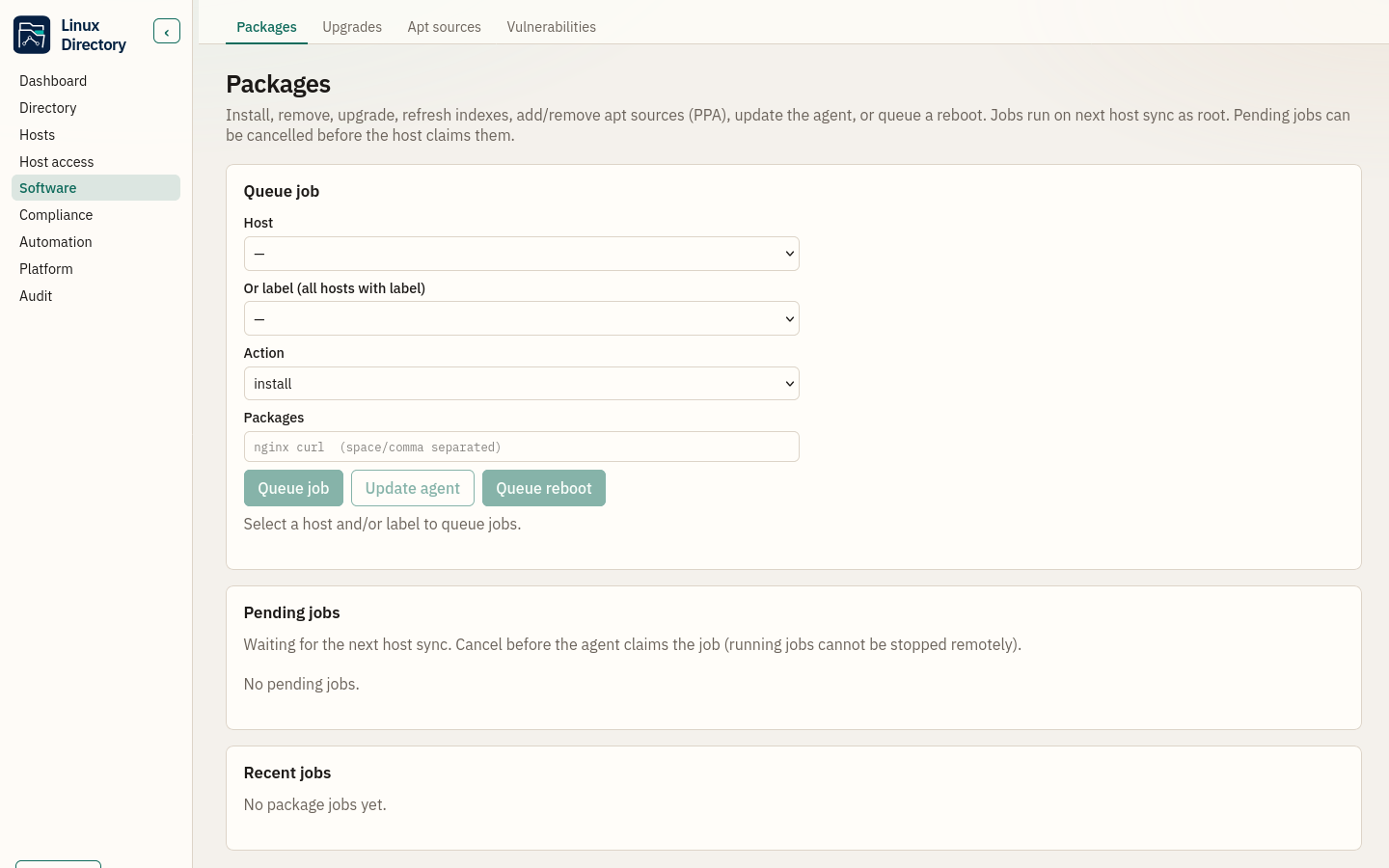
Install, remove, and upgrade packages across apt, pacman, dnf, and zypper. Inventory, labels, energy policies, queries, and scripts.
-
Vulnerabilities & compliance
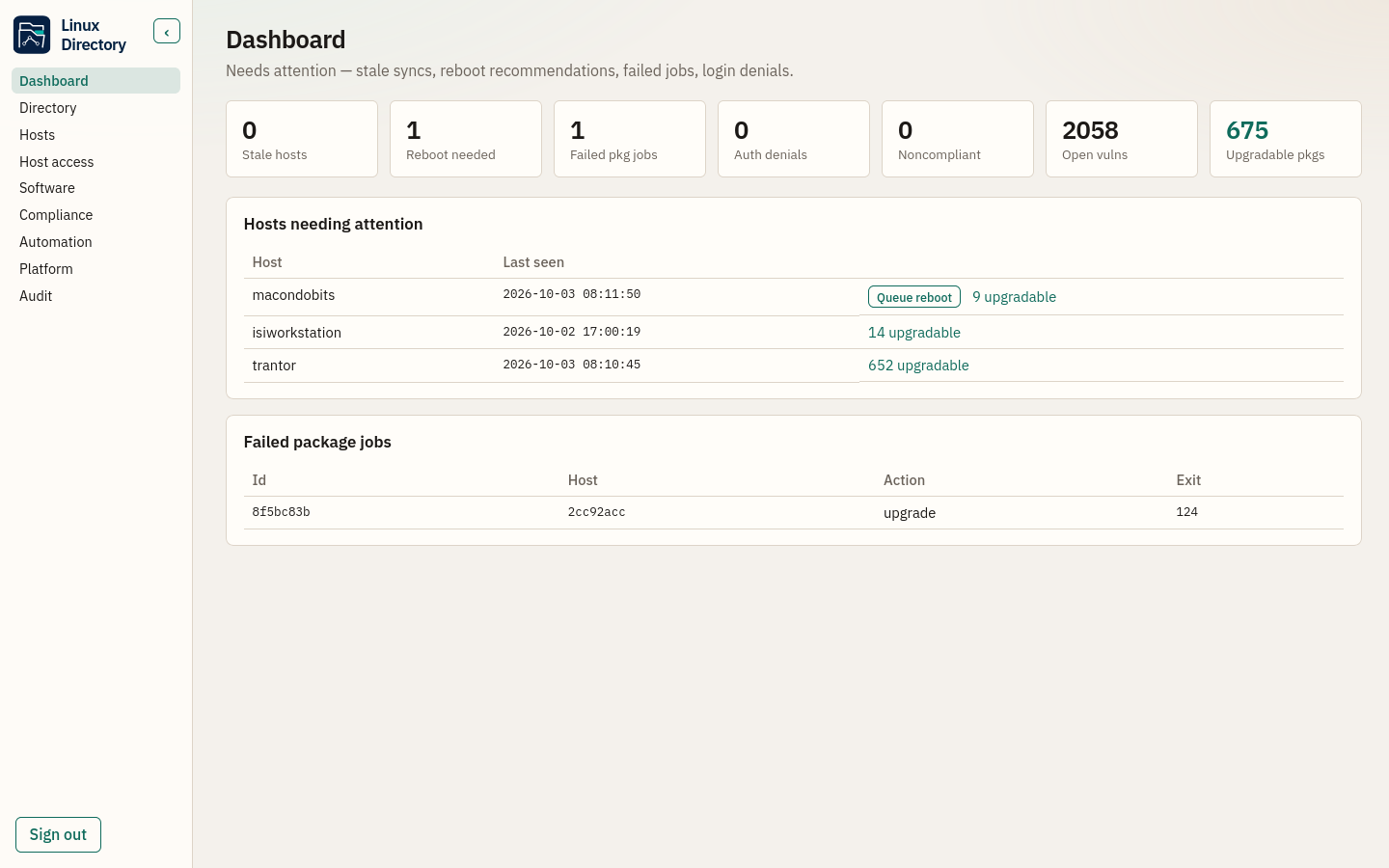
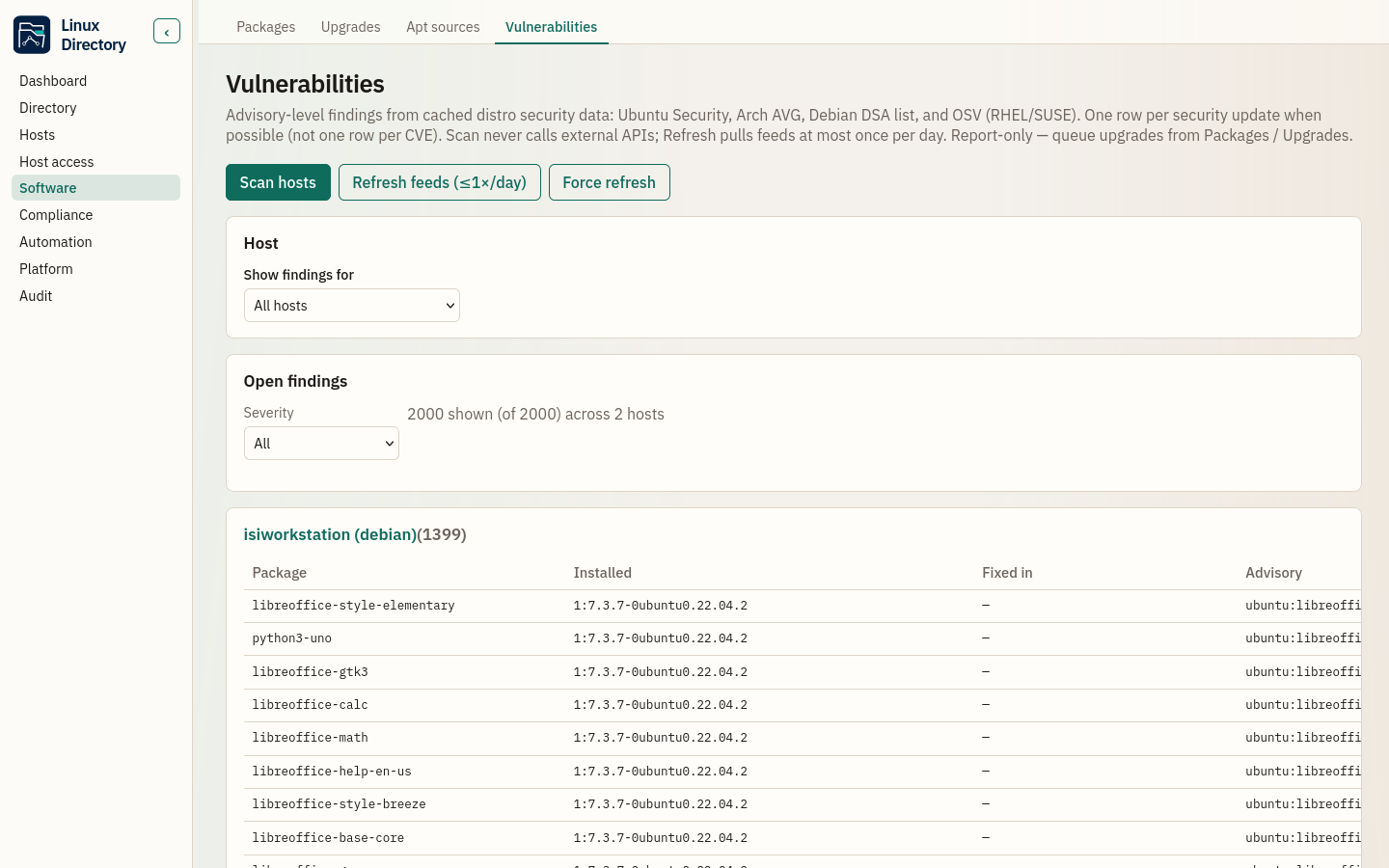
Distro-aware advisory findings, posture checks, lock and retire, and a dashboard that gathers what needs a human eye.
-
Optional VPN mesh
Pluggable Tailscale, Headscale, or WireGuard — group-aware ACLs when a mesh serves you; LAN fleets need none of it.
-
Admin API, CLI & UI
A Vue console for daily work, lindir-admin for automation, and a documented HTTP API for everything else.
Inside the admin UI
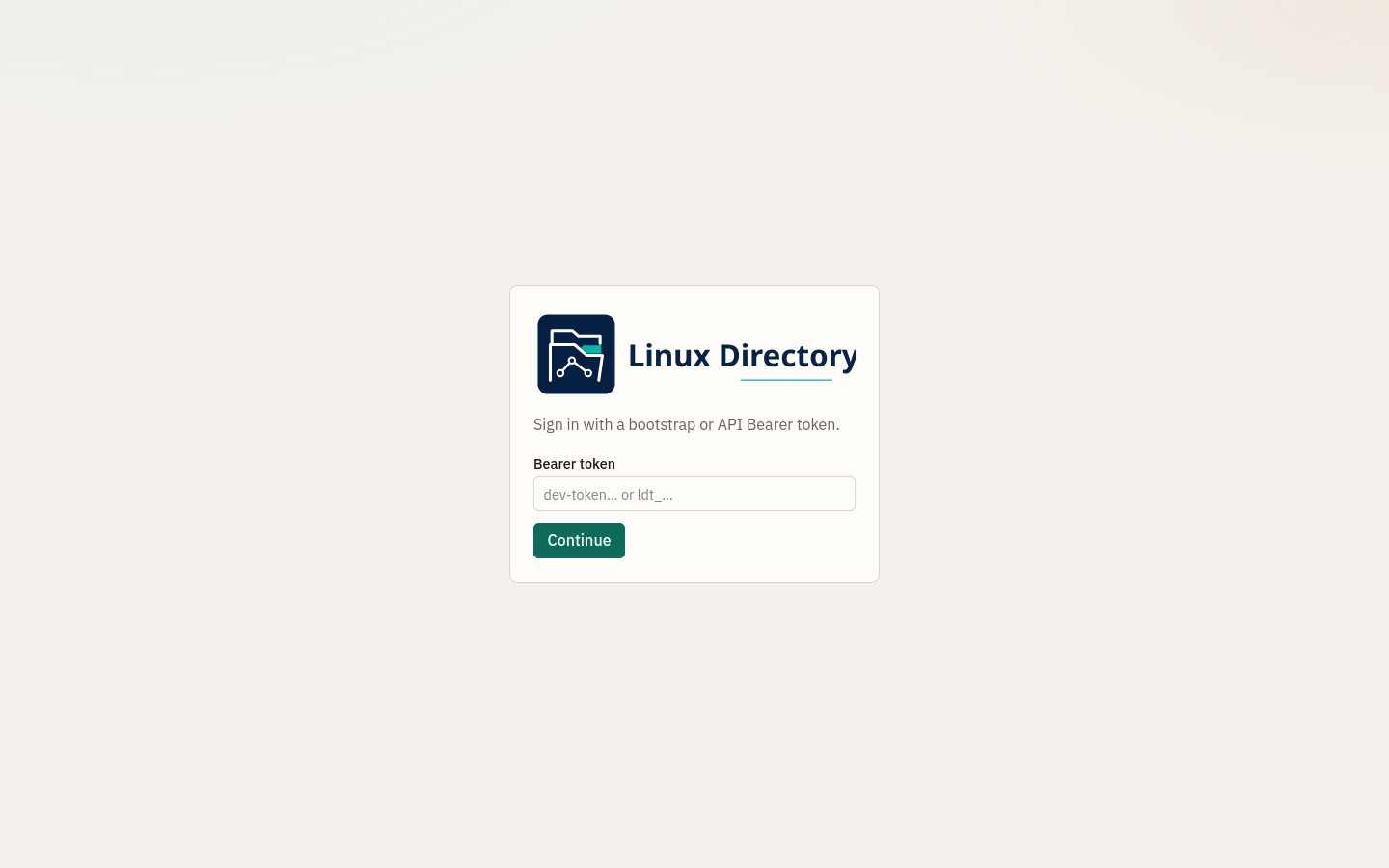
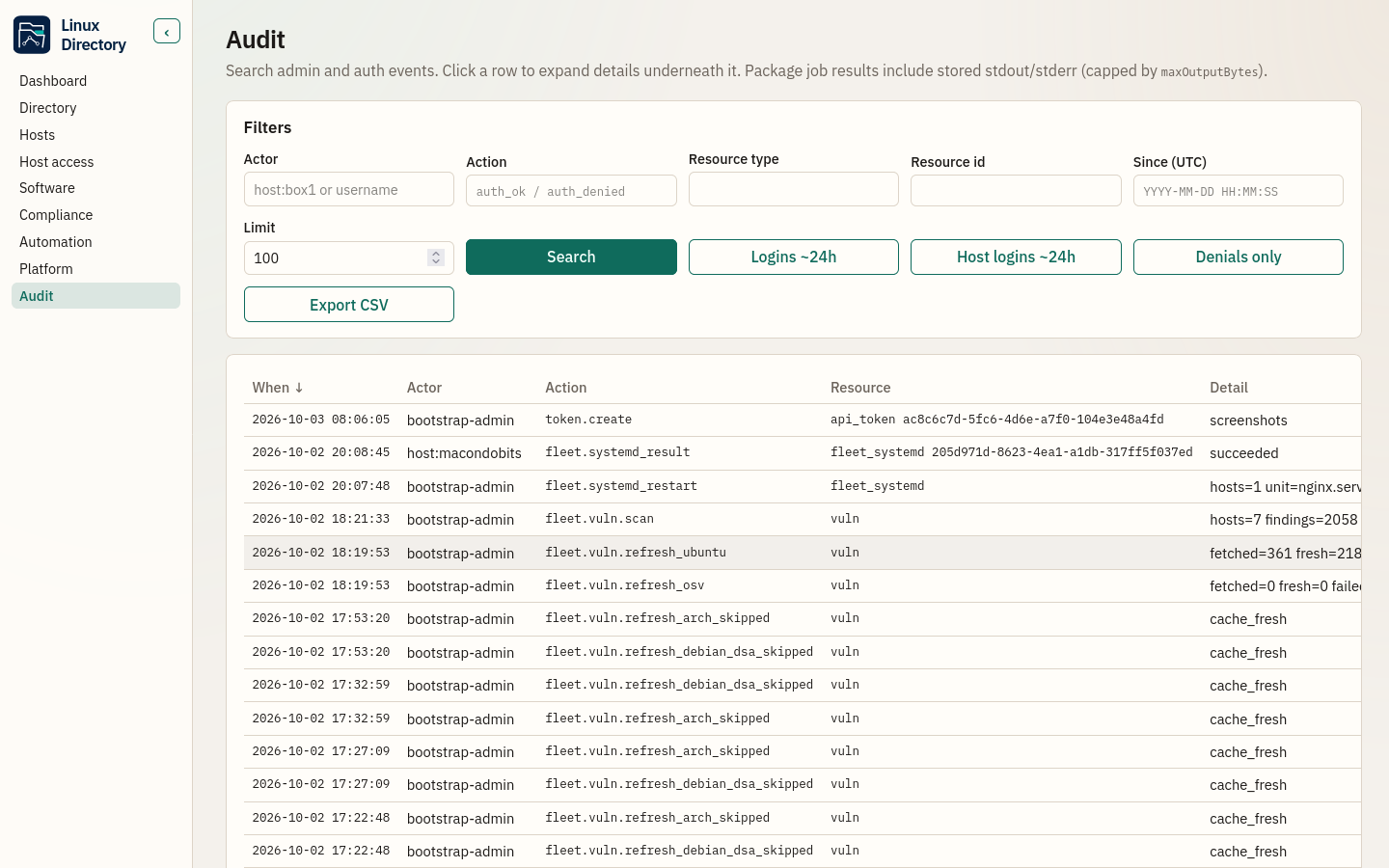
Operators work from a single console — directory, hosts, access policy, software jobs, vulnerabilities, and audit.
Operator handbook
The narrative guide for deploying, operating, and integrating Linux Directory — from first light through OIDC, fleet, VPN, and production care.
- What Linux Directory is
- Mental model: how everything interacts
- Install and first boot
- Users, groups, hosts, and policy
- Enrollment, PAM, SSH, NSS
- Admin API, CLI, and Web UI
- OIDC SSO & passkeys
- LDAP gateway & optional VPN
- Native fleet & hardening